
AUWin Login Guide: Access Your Account & Fix Login Issues
Table of Contents
AUWin Login Guide: Access Your Account & Fix Login Issues
Logging in takes seconds once an account exists, but a handful of details trip up new and returning players alike. This guide covers the exact AUWin Casino login steps, where to find the AUWin official login button on desktop and mobile, and the fixes for the most common AUWin login problems.
Bookmark this page if you play often. It walks through required details, password recovery, device differences, and the security habits worth building around every sign-in from day one. Don’t have an account yet? Start with the AUWin registration guide instead.
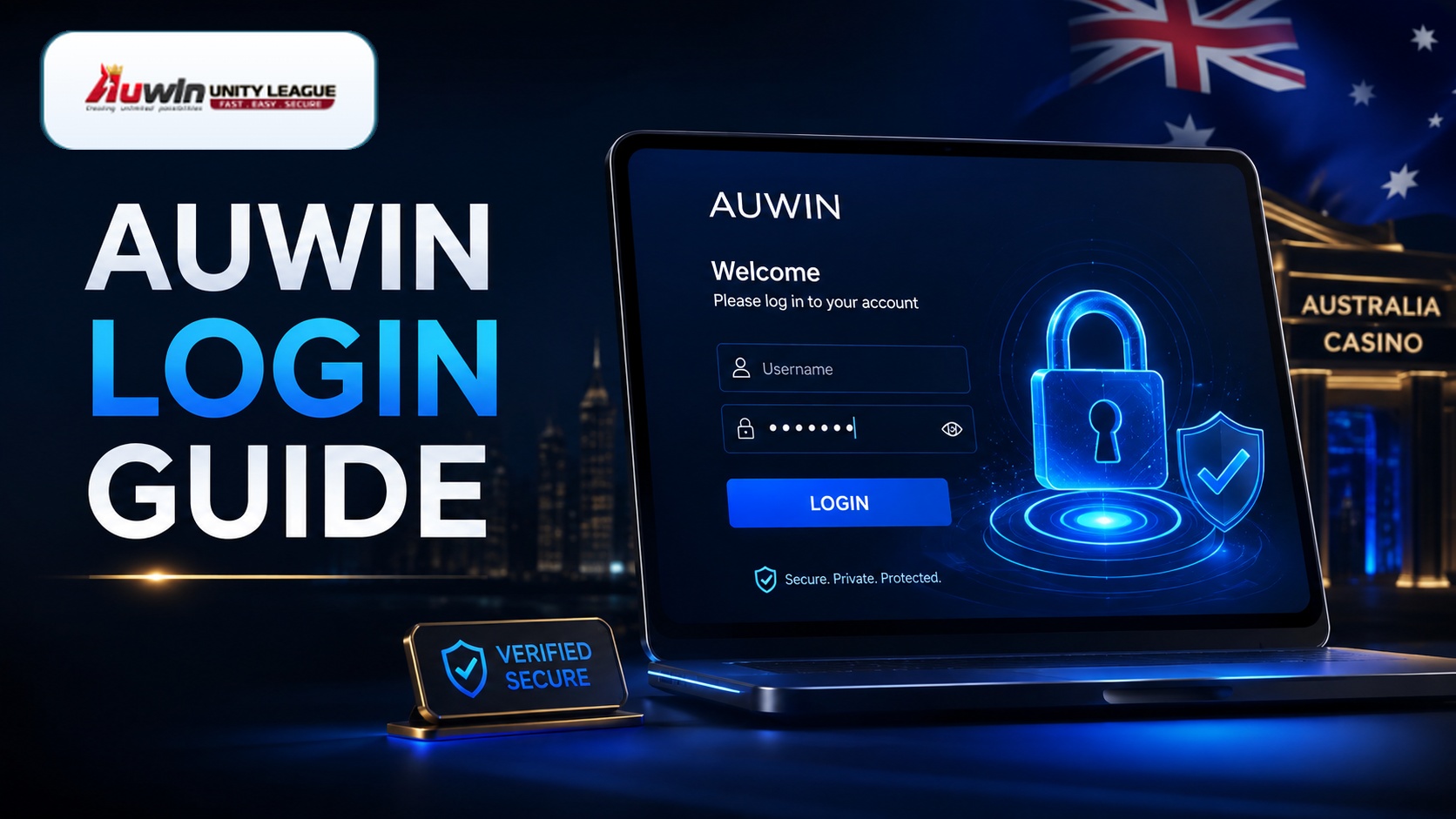
How to Complete an AUWin Login
The sign-in form sits in the top corner of the homepage on desktop and inside the main menu on mobile. Follow these steps for a standard AUWin Casino login:
- Open the official AUWin site and select the login button.
- Enter the registered email address or username tied to the account.
- Enter the account password.
- Confirm any two-factor prompt, if enabled.
- Select submit to reach the dashboard.
Most players complete an AUWin Casino login in under ten seconds. A slightly slower first attempt is normal while the browser loads the dashboard’s game thumbnails for the first time.
AUWin Login: What the Form Asks For
| Field | Detail |
|---|---|
| Email or username | Whichever was used during sign-up |
| Password | Case-sensitive; check caps lock before submitting |
| Two-factor code | Only requested if enabled in account settings |
Saving these details in a password manager avoids the most common delay behind a login attempt: a mistyped password on a phone keyboard. A password manager also flags a fake page, since it won’t auto-fill on a domain it doesn’t recognise.
Finding the AUWin Official Login Page
A genuine AUWin official login only happens on the official domain, never through a link in an unsolicited message or an unfamiliar search ad. Phishing pages copy the exact look of the real AUWin official login screen, then harvest whatever password gets typed in.
Check the browser address bar before typing anything. A padlock icon and the correct domain confirm the login page is genuine. If a login page looks slightly off, in font, layout, or an unfamiliar pop-up, close it and return through a bookmarked link instead. Bookmarking the AUWin official login page directly is the single easiest way to avoid a spoofed copy.
Logging In on Desktop vs Mobile
Logging in works the same way across devices, but the layout differs slightly. On desktop, the login button sits in the top-right corner, opening as a pop-up over the homepage. On mobile browsers, the same button sits inside a collapsed menu, usually marked with three lines or a person icon.
Players using the dedicated app skip the browser step entirely: the app opens straight to a login screen, and many devices offer to save the password after the first successful sign-in. One AUWin account works across desktop, mobile browser, and the dedicated app, and a session on one device doesn’t automatically log out another.
Fixing Common AUWin Login Problems
Most AUWin login problems trace back to one of a handful of causes. The table below covers the most frequent issues and the fastest fix for each.
| Issue | Likely Cause | Fix |
|---|---|---|
| “Incorrect password” error | Caps lock on, or an old saved password | Reset the password through the recovery link |
| Login page won’t load | Browser cache issue or a slow connection | Clear the cache or switch to the app |
| Account locked after attempts | Too many failed tries in a short period | Wait 15-30 minutes, or contact support |
| Login succeeds, games won’t load | Region or network restriction | Try a different connection or update the app |
| No password reset email | Email in spam, or wrong address on file | Check spam, then contact support |
A forgotten password is the single most common login problem. Select “forgot password” on the form, enter the registered email, and follow the reset link before it expires. Repeated failed attempts can trigger a temporary lock as a security measure rather than a penalty — waiting out the lock or contacting support directly resolves most of these AUWin login problems without further steps.
Keeping Your AUWin Account Secure
A few habits keep an account harder to compromise, regardless of how strong the platform’s own security is:
- Use a password not shared with any other account.
- Enable two-factor authentication if the option exists.
- Only complete an AUWin login through the official bookmarked link, never a search ad or a stranger’s link.
- Log out on shared or public devices after each session.
- Update the password immediately if a login confirmation email arrives that wasn’t triggered by you.
- Treat any request for login details over chat, email, or phone as a scam attempt; support never asks for a password directly.
For a full look at how the platform handles testing, fraud prevention, and licensing, see Is AUWin Casino Legit?
Re-checking the URL every time before an AUWin Casino login, especially after clicking a link from search results or social media, is a small habit that prevents most account-takeover attempts before they start.
AUWin Account Recovery: If You’re Locked Out
An AUWin account lockout usually resolves in one of two ways: waiting out a temporary security hold, or resetting the password through the official recovery flow. Neither requires contacting support in most cases, though support remains the right step if a lockout continues well past the usual 15-30 minute window.
Matching the email or username exactly to what’s on file speeds up any AUWin account recovery request. A mismatched detail is one of the more common reasons a recovery attempt stalls before reaching the reset step.
Frequently Asked Questions
1. Why does my AUWin login keep failing?
Most failures come from a mistyped password or caps lock being on. Reset the password through the official recovery link if the issue continues, and confirm the correct email is registered to the account.
2. Where do I find the AUWin official login button?
On desktop, it sits in the top-right corner of the homepage. On mobile, it’s usually inside a collapsed menu icon. The dedicated app opens directly to a login screen.
3. What are the most common AUWin login problems?
A forgotten password, a caps-lock typo, and a temporary lock after repeated failed attempts account for most AUWin login problems. Each has a fast, self-service fix through the recovery link or a short wait.
4. Can I use the same AUWin login on my phone and computer?
Yes. One AUWin Casino login works across desktop browsers, mobile browsers, and the app. Sessions run independently, so signing in on a phone doesn’t log out an active desktop session.
5. Does AUWin Casino login offer two-factor authentication?
Two-factor authentication is available as an optional setting. Enabling it adds a short code step after the password, reducing the risk of unauthorised access even if a password leaks.
6. Is there a limit to how many AUWin login attempts I get?
Yes, repeated failed attempts trigger a short lock as a security measure. Wait 15-30 minutes before trying again, or contact support if the lock doesn’t clear on its own.
7. How do I recover my AUWin account if I forgot my email?
Contact support directly with any account details you still have, such as a linked phone number or past deposit reference. Support can verify ownership and help restore account access without the original email.
8. What if my AUWin Casino login shows a security warning?
A security warning usually means the browser detected a certificate issue or mismatched domain. Close the page immediately and access the official sign-in page through a bookmarked link instead.
That covers everything needed for a smooth AUWin login, from the standard sign-in steps to fixing the AUWin login problems that trip up new players most often. Keep the AUWin official login link bookmarked, and treat any unfamiliar sign-in prompt with caution before entering AUWin account details. Once logged in, the games guide and promotions page cover what to do next.

The AUWin Casino Editorial Team researches and reviews online casino information for Australian players. Our coverage includes online pokies, live casino games, software providers, payment methods, promotions, mobile gaming and responsible gambling. Each guide is checked for clarity, accuracy and relevance before publication and reviewed whenever important details change.
Why does my AUWin login keep failing?
Most failures come from a mistyped password or caps lock being on. Reset the password through the official recovery link if the issue continues, and confirm the correct email is registered to the account.
Where do I find the AUWin official login button?
On desktop, it sits in the top-right corner of the homepage. On mobile, it’s usually inside a collapsed menu icon. The dedicated app opens directly to a login screen.
What are the most common AUWin login problems?
A forgotten password, a caps-lock typo, and a temporary lock after repeated failed attempts account for most AUWin login problems. Each has a fast, self-service fix through the recovery link or a short wait.
Can I use the same AUWin login on my phone and computer?
Yes. One AUWin Casino login works across desktop browsers, mobile browsers, and the app. Sessions run independently, so signing in on a phone doesn’t log out an active desktop session.
Does AUWin Casino login offer two-factor authentication?
Two-factor authentication is available as an optional setting. Enabling it adds a short code step after the password, reducing the risk of unauthorised access even if a password leaks.
Is there a limit to how many AUWin login attempts I get?
Yes, repeated failed attempts trigger a short lock as a security measure. Wait 15-30 minutes before trying again, or contact support if the lock doesn’t clear on its own.
How do I recover my AUWin account if I forgot my email?
Contact support directly with any account details you still have, such as a linked phone number or past deposit reference. Support can verify ownership and help restore account access without the original email.
What if my AUWin Casino login shows a security warning?
A security warning usually means the browser detected a certificate issue or mismatched domain. Close the page immediately and access the official sign-in page through a bookmarked link instead.